MarketplaceAnygoodfood
From discovery to an order.
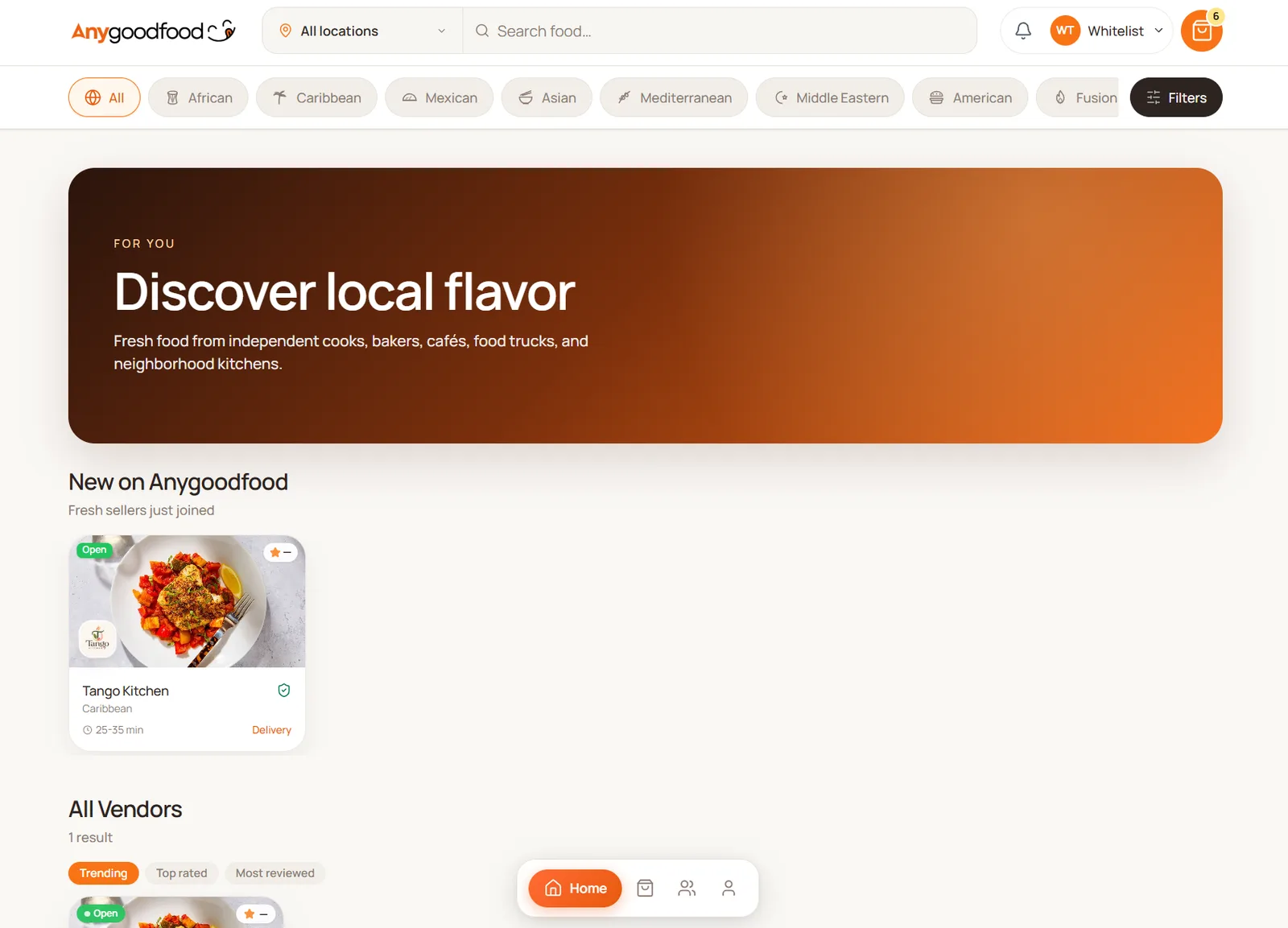
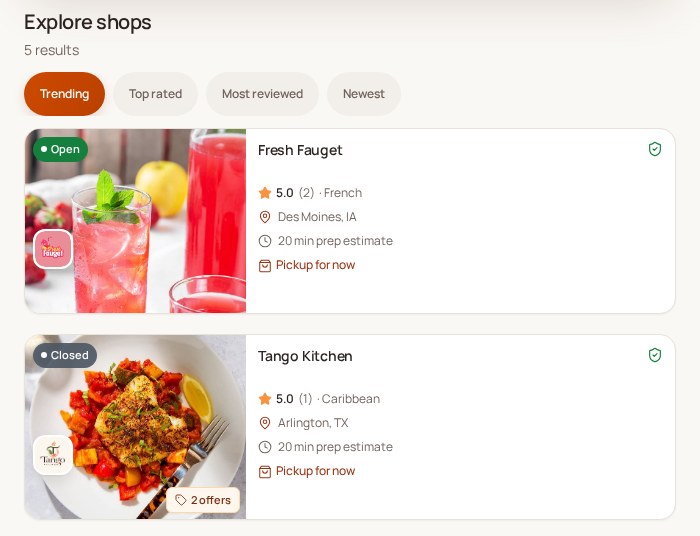
Customers choose a location and search for dishes, cuisines or stores. Your storefront brings your menu, hours and order options together, so they can decide what to order.

Find local food in the Marketplace. Build and manage your food business in Seller Hub.
IOWA ROOTS · LOCAL FOOD
Headquartered in Iowa, Anygoodfood connects independent food businesses with local customers across the United States.
Choose your location in the Marketplace to find stores, browse menus and check pickup or delivery options. Availability depends on nearby sellers, store hours and your delivery address.
Find food near youGood food is easier to order when customers can find it. Anygoodfood brings local discovery, online ordering and store management together.
Customers choose a location and search for dishes, cuisines or stores. Your storefront brings your menu, hours and order options together, so they can decide what to order.
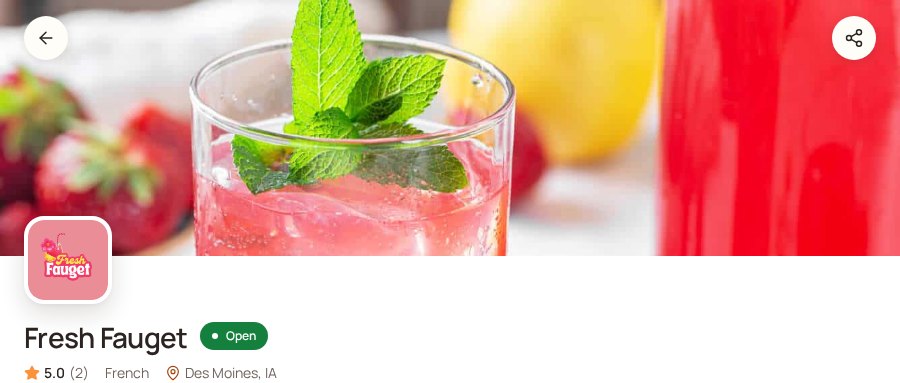
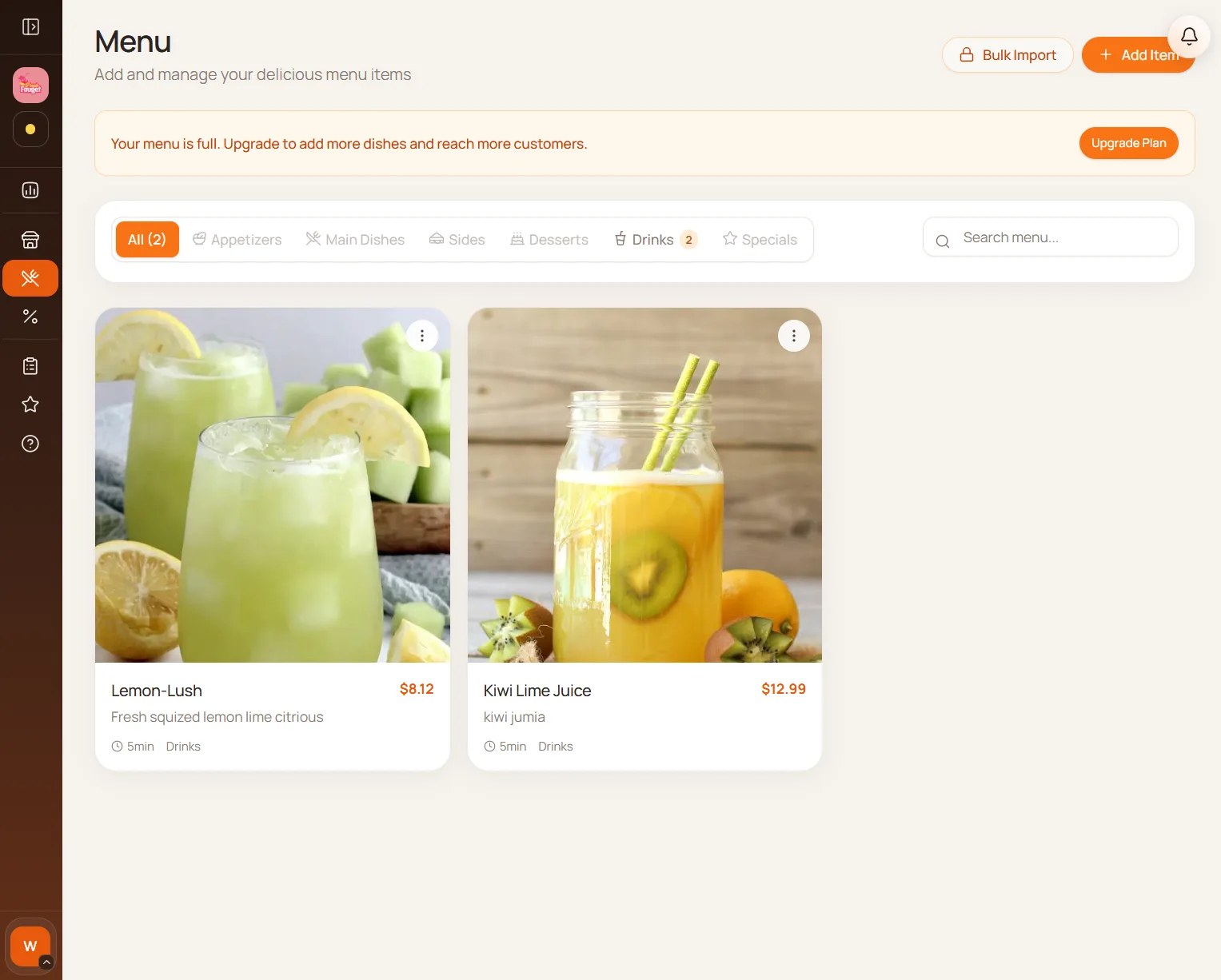
Create your public storefront in Seller Hub. Add your menu, hours and pickup or delivery options, then complete the required checks before publishing.
Customers use the Marketplace to find food and place orders. Sellers use Seller Hub to manage the storefront and the work behind each order.
Your public store page, with your menu, hours and available order options.
Customers review their order, charges and payment before placing an order.
Accept paid orders, prepare the food and record pickup or delivery handoff.
Create eligible discounts and offers in Seller Hub.
Review sales and order activity included in your plan.
Features and limits depend on your plan. Store readiness checks include verification, payouts and plan access. Subscription charges apply after the trial; review order fees and plan terms before signing up.
Seller Hub is your workspace. Update your menu, prices and hours, manage paid orders, and review promotions and billing. Your storefront is the public page customers visit to browse and order.
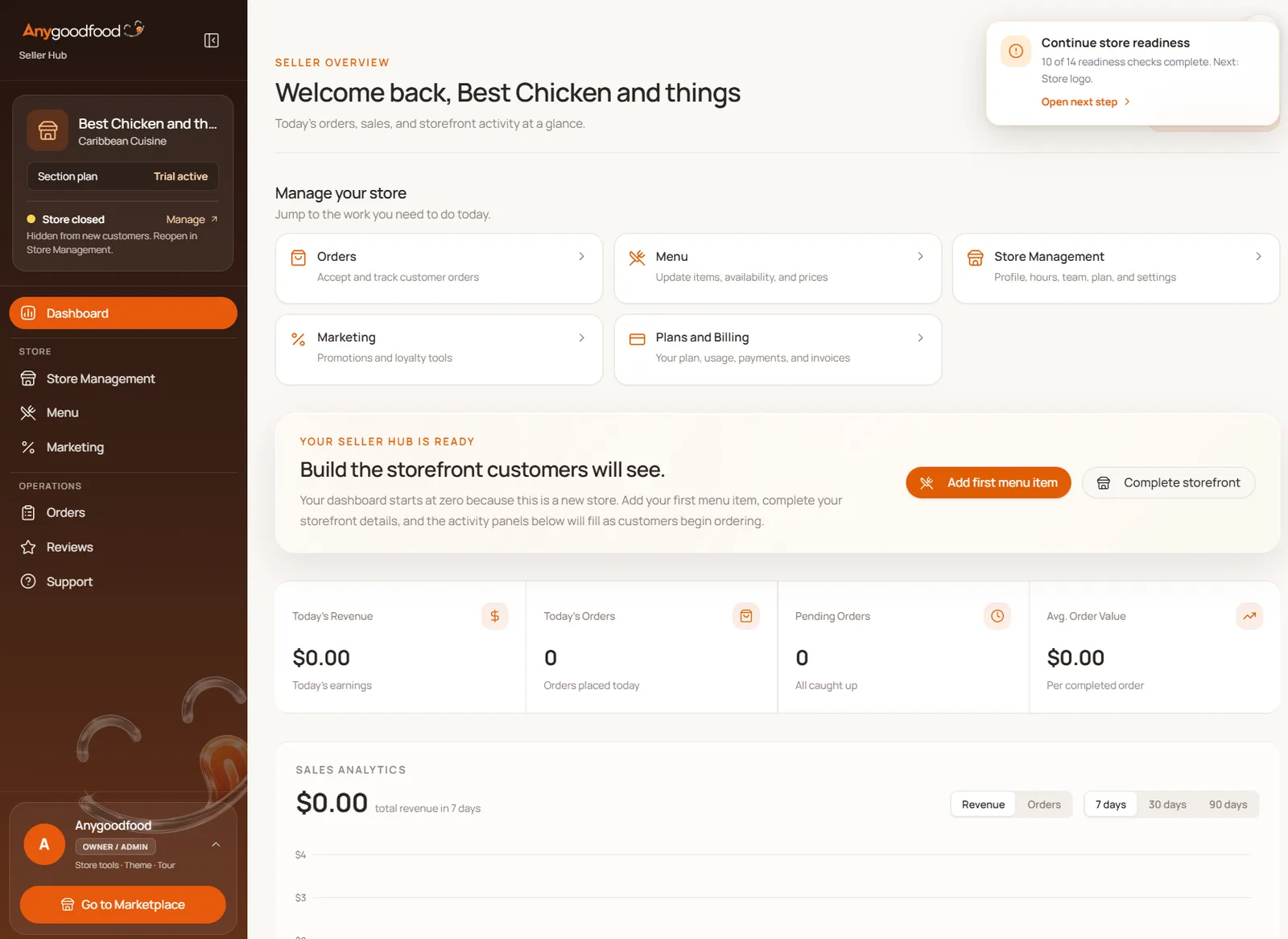
Review the reports available on your plan to understand sales, orders and customer feedback. Use them to plan your next steps.
Read customer reviews to understand what worked and what needs attention.
Add your store details, menu and hours in Seller Hub. Complete verification, connect payouts and confirm your plan. Publish when the required checks pass. Your opening hours determine when customers can order. The example below shows how these details fit together.
Island Table
ActivatedCaribbean · Home kitchen
ID checked
Verified seller
Store open
Customers can order now
Store hours
SETUP & GO-LIVE SUPPORT
Store setup and go-live support is included with qualifying plans. Get help preparing your storefront and completing the steps to publish it.
The Help Center explains everyday tasks. Store owners can also take Sellerhub Compliance, eight short lessons on food hygiene, packaging, allergens and order handoff. This training is separate from store activation and required food-handler qualifications.
Support options depend on your plan. Verification, payment setup and other store readiness checks still apply.
Yummy is the Anygoodfood smile and in-app guide, here to help you understand the platform and find your next step.
A familiar face. Practical guidance.

Ask Yummy about the status recorded for your order or how to use a feature. For tutorials, FAQs or help from the support team, open the Help Center.
Choose your location, browse stores and menus, then check pickup or delivery at checkout.
Find foodCompare plans and set up your store in Seller Hub. Complete the required checks before publishing.
Start selling